Map generator
While migrating my MMO's backend from Godot to Golang, I've unlocked all sorts of crazy features thanks to Go's speed. Revamping the map generation has been on the docket for ages, so over Christmas break I left myself a package under the tree; a Go package.As a quick note, if you are reading my code (specifically geometry/the triangle stuff) some of it isn't for generation but rather for sake of optimization. Since each map is broken up into "cells" (I get into this later) by using some fancy math we can find adjacent cells and cache them to make getting new cells for a player O(1). I made some good visualizers for this in HTML Canvas: delaunay triangles and voronoi diagrams
Idea
The vision was a tool which would let you build "systems" that can be used to generate maps. It should be HIGHLY modular, so you can frankenstein together pieces of different maps easily. Most importantly though, it should be original and do things other projects aren't.I opted to break the world into cells, and then "populate" each cell with it's terrain independently from others.
Things you could use these cells for:
- Chunks: Send each player the cell they are in instead of breaking the world into chunks.
- Biomes: Each cell can have a biome parameter.
- Terrain: Using the biome, create unique terrain for each cell locally.
- Enemies: Also using the biome, populate each cell with enemies at the cell's origin instead of randomly scattering them.
Modifier
The highest level class is the world, the only thing it has of importance is the size and it's cells in a list. Cells have their own class as well, and include a list of their tiles. The idea is that we want to modify each cell locally, and we can do so through modifiers. They are just functions which take a *Cell as a parameter and change it in some way.// This function creates a new modifier, which fills all the cells tile with some integer value.
func NewFill(value int8) atlas.Modifier {
return func(cell *Cell) {
for idx := range cell.Tiles {
tile := &(cell.Tiles[idx])
tile.Value = value
}
}
}Biomes
Think of biomes as lists of modifiers. If a cell is assigned a biome, each modifier is executed on it in order from first to last. So for example using our previous NewFill,// This creates a new biome, applied to a cell it would fill all the cells with "1" then fill them all with "2".
// The resulting cells tiles would all have a value of "2".
biome := atlas.NewBiome(
Fill(1),
Fill(2),
)Infection
The final step is actually applying these biomes. While you could just apply a biome manually to a cell by invoking each modifier in it, that wouldn't be very fun. It also wouldn't generate anything cool. I opted to implement a spreading effect, where it selects a cell from your world at random as a "patient-0" and given a list of biomes propogates through your world applying biomes based on the distance of a cell from patient-0.// Lets make a simple "island" world.
DEEP_WATER := 0
WATER := 1
SAND := 2
GRASS := 3
// Make our biomes
deep := atlas.NewBiome(Fill(DEEP_WATER))
shallow := atlas.NewBiome(Fill(WATER))
sandy := atlas.NewBiome(Fill(SAND))
grassy := atlas.NewBiome(Fill(GRASS))
biomes := []atlas.Biome{
grassy,
grassy,
grassy,
sandy,
shallow,
deep,
}
// Infect
decay := 1
world := NewTemplateWorld(WORLD_SIZE)
world.Infect(biomes, decay)
Visuals
Drawing the above world on a canvas gives us this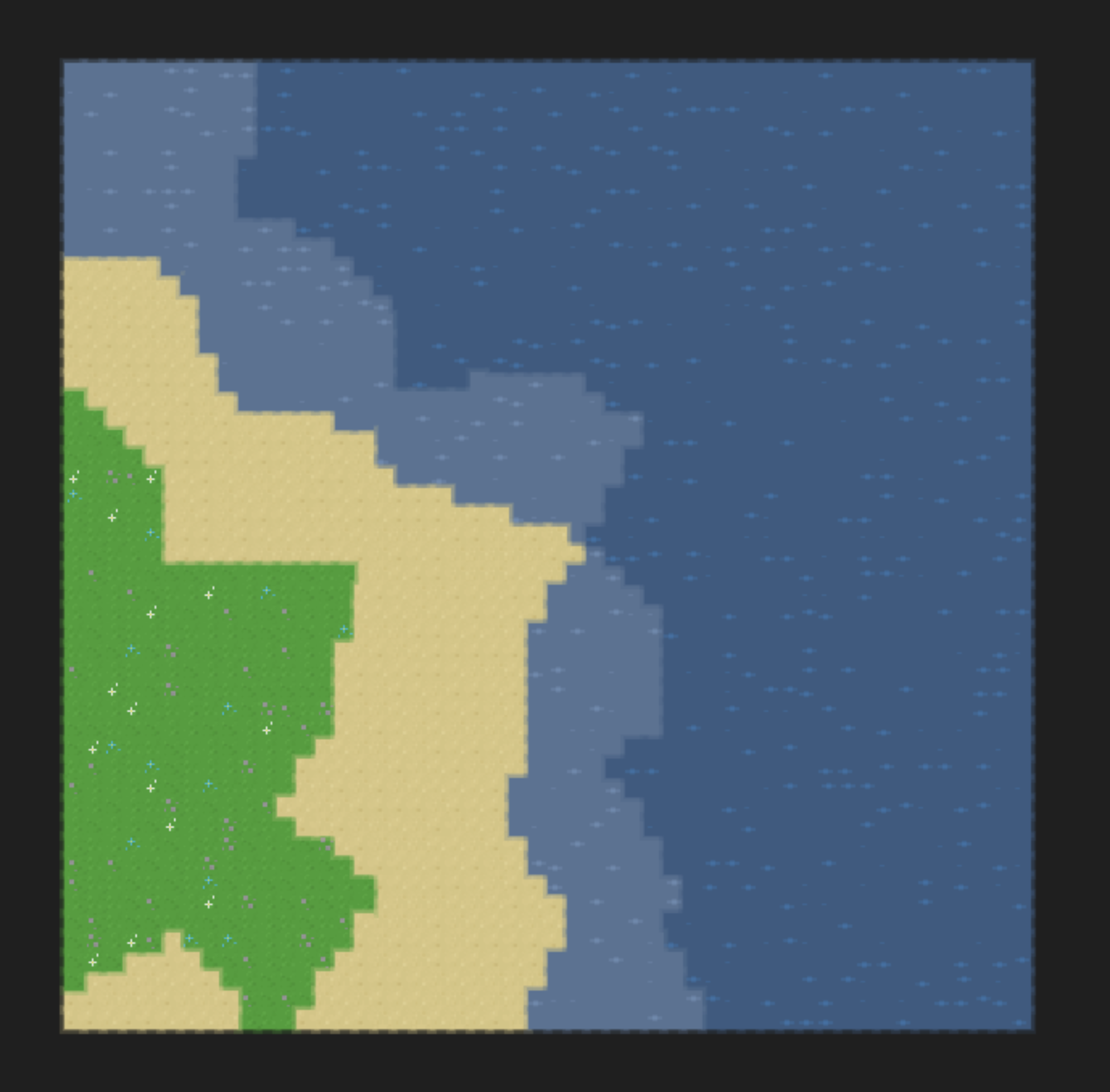
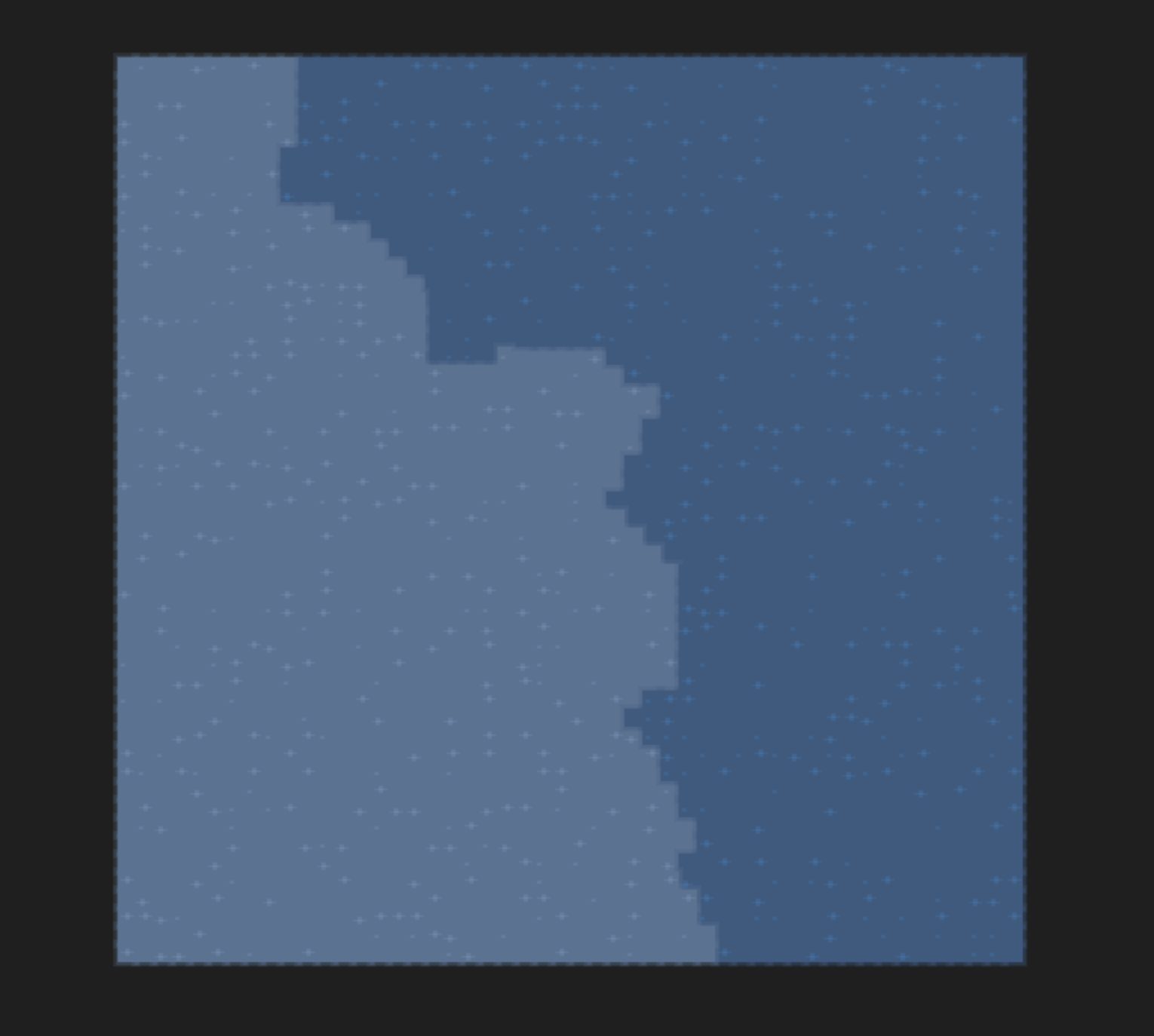
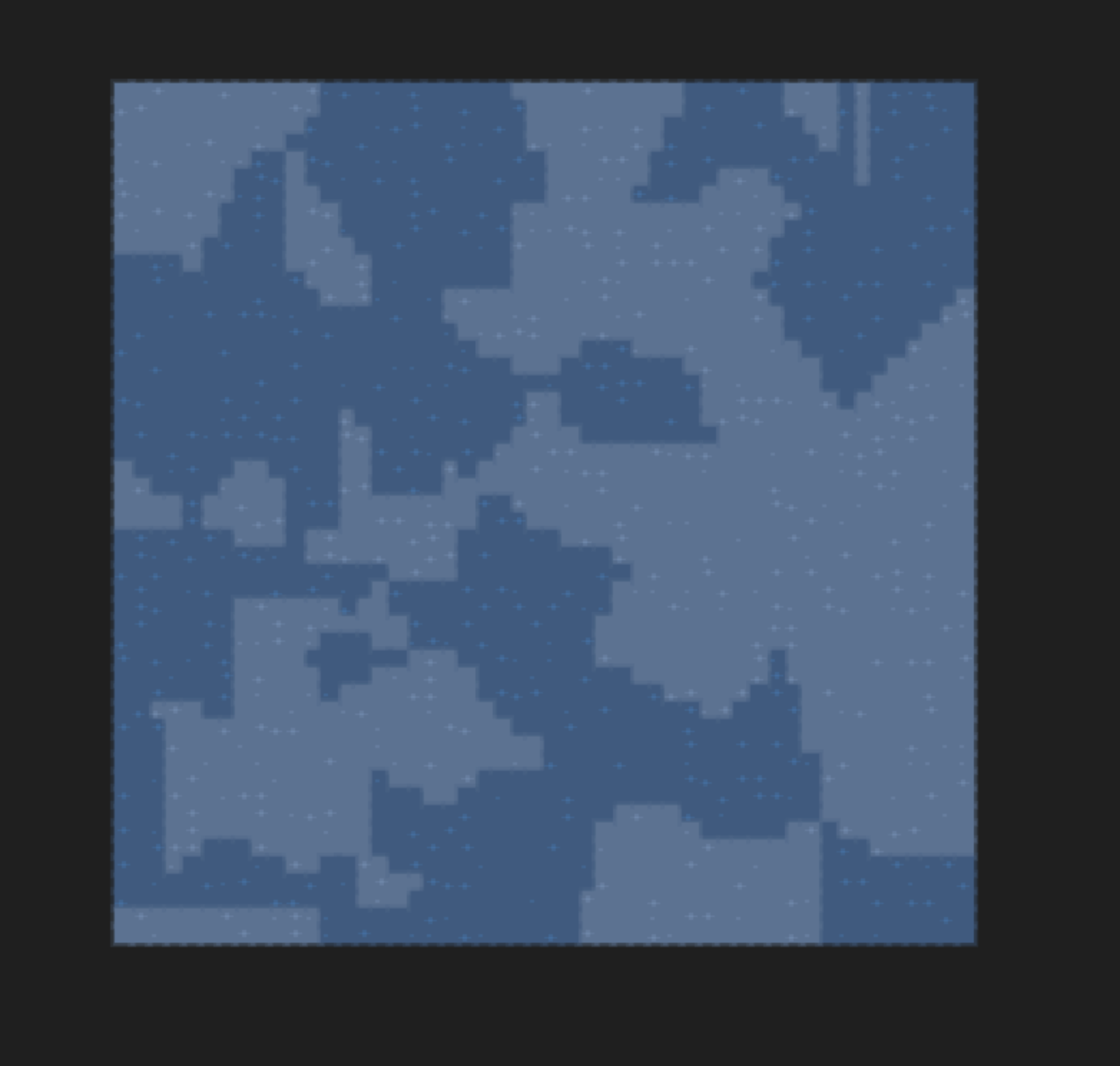
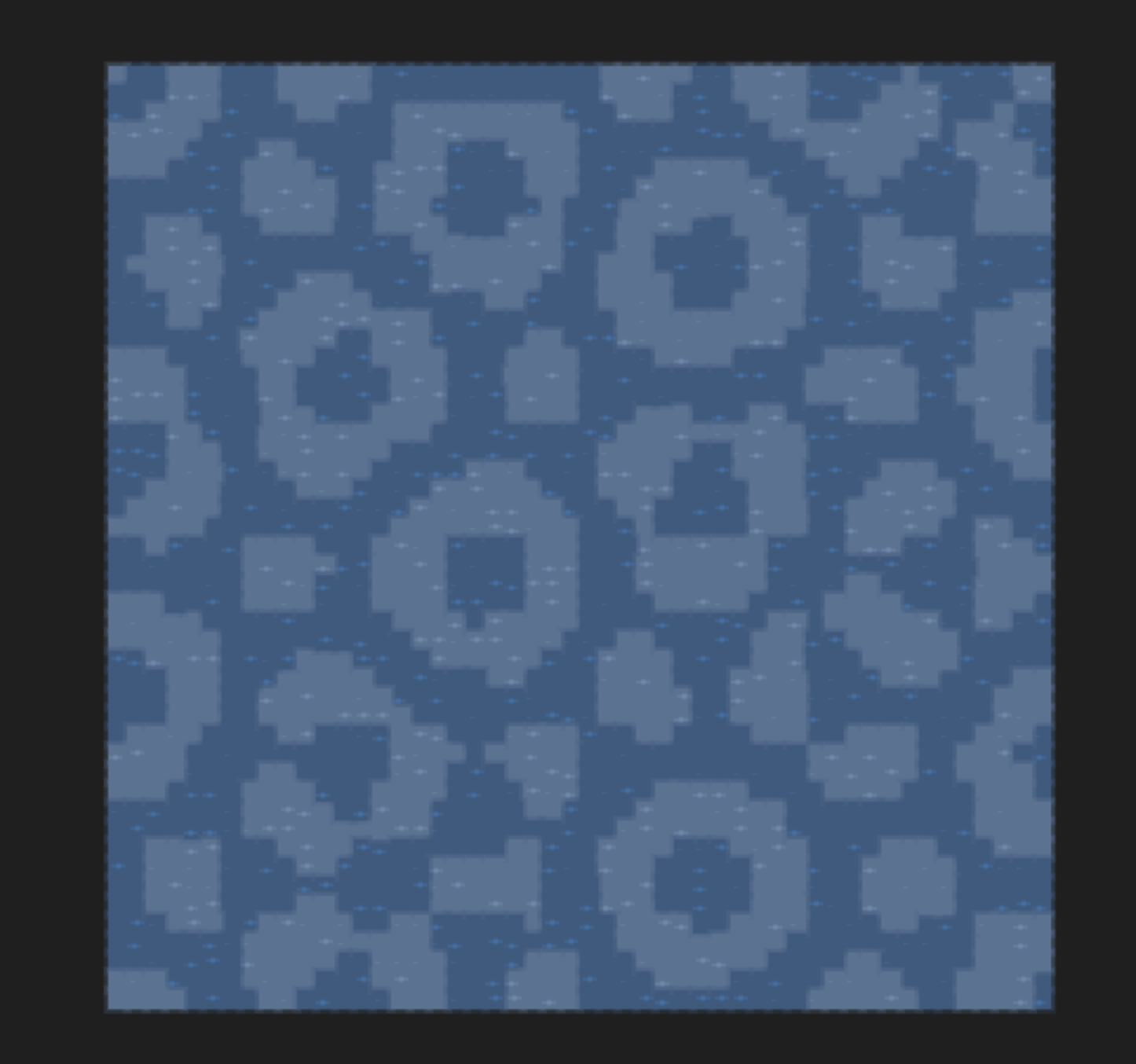
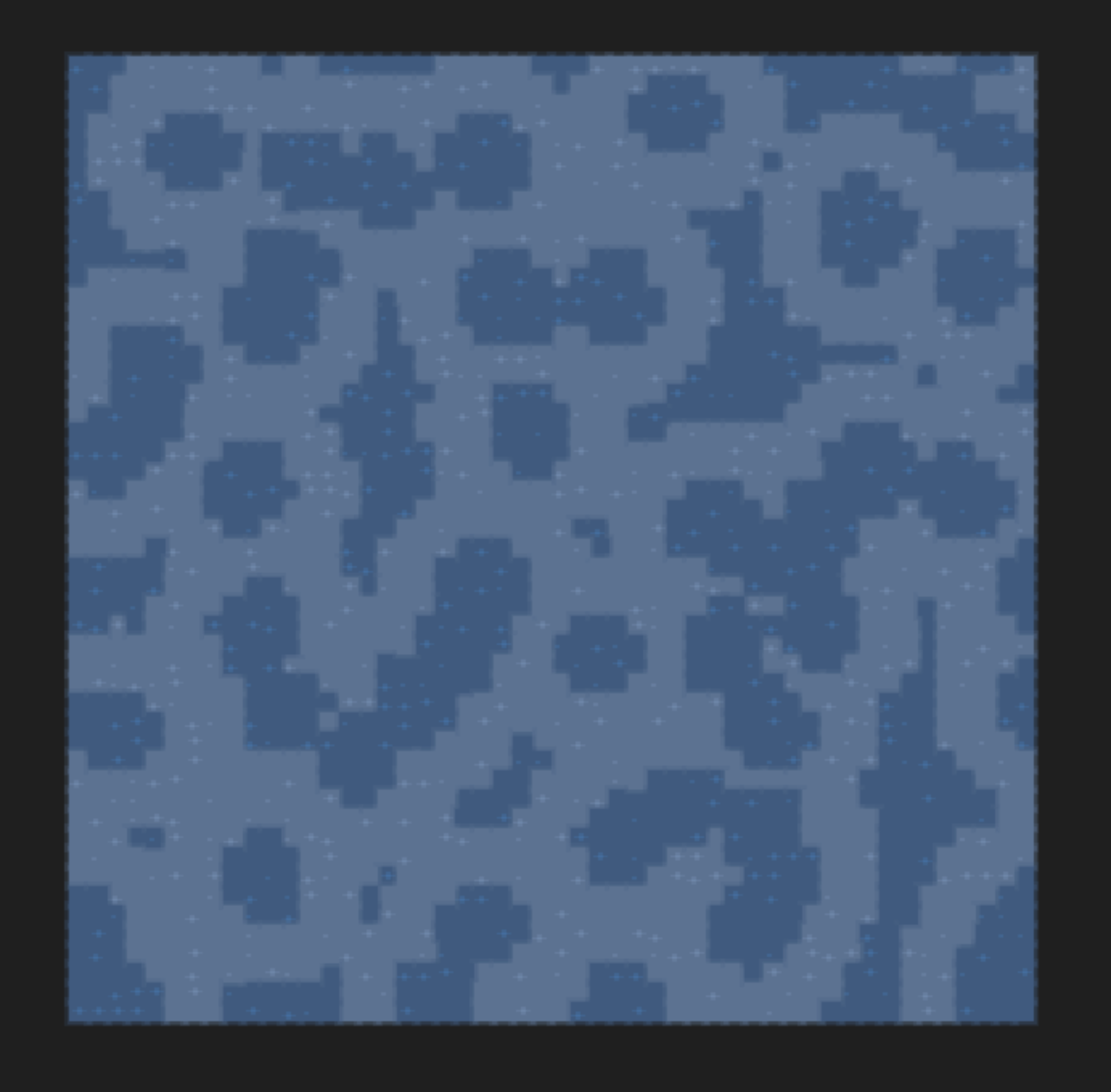
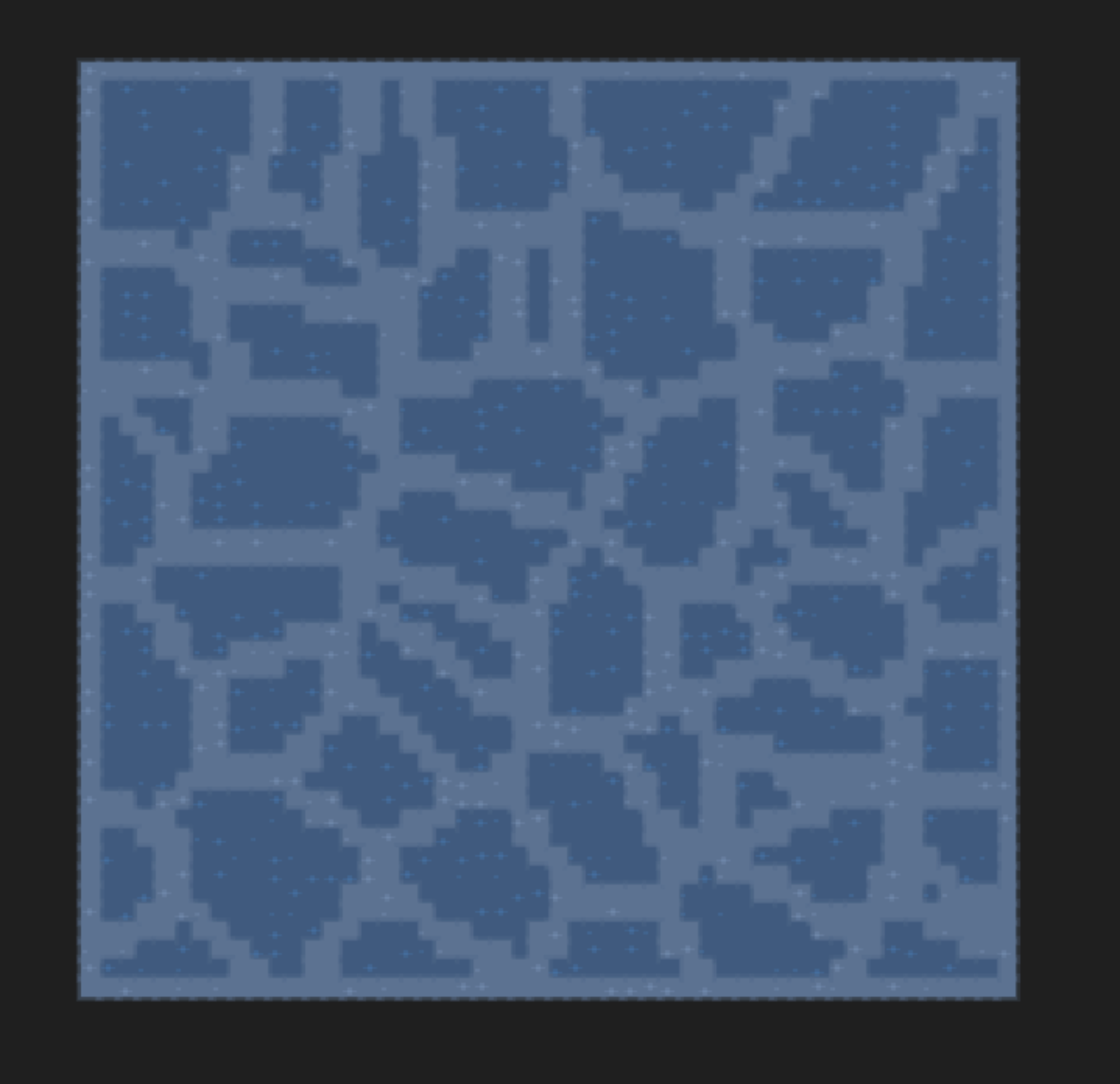
There are a handful of built in Modifiers which you can use in your biomes.
|
 |
|
 |
|
 |
|
 |
|
 |
Advanced Island
Lets make a dynamic looking island world.Biome 1
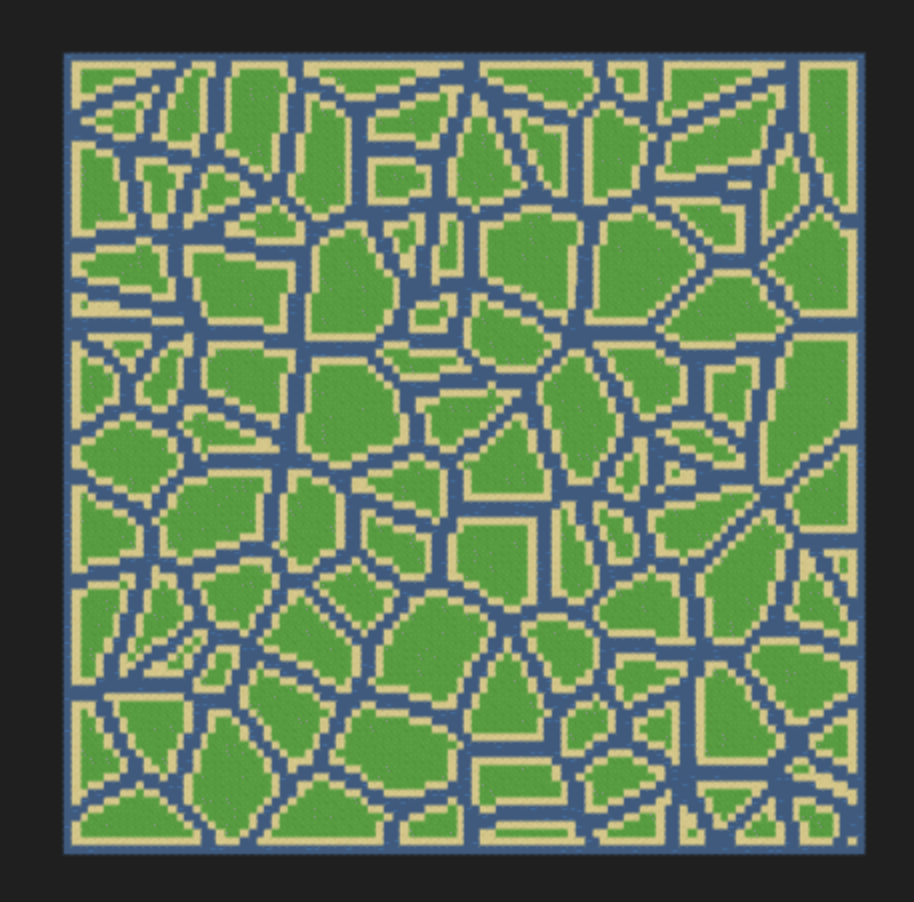
To start, lets use the selective border modifier. We break each cell into either grass or deep water, then apply a selective border of sand and shallow water to the grass.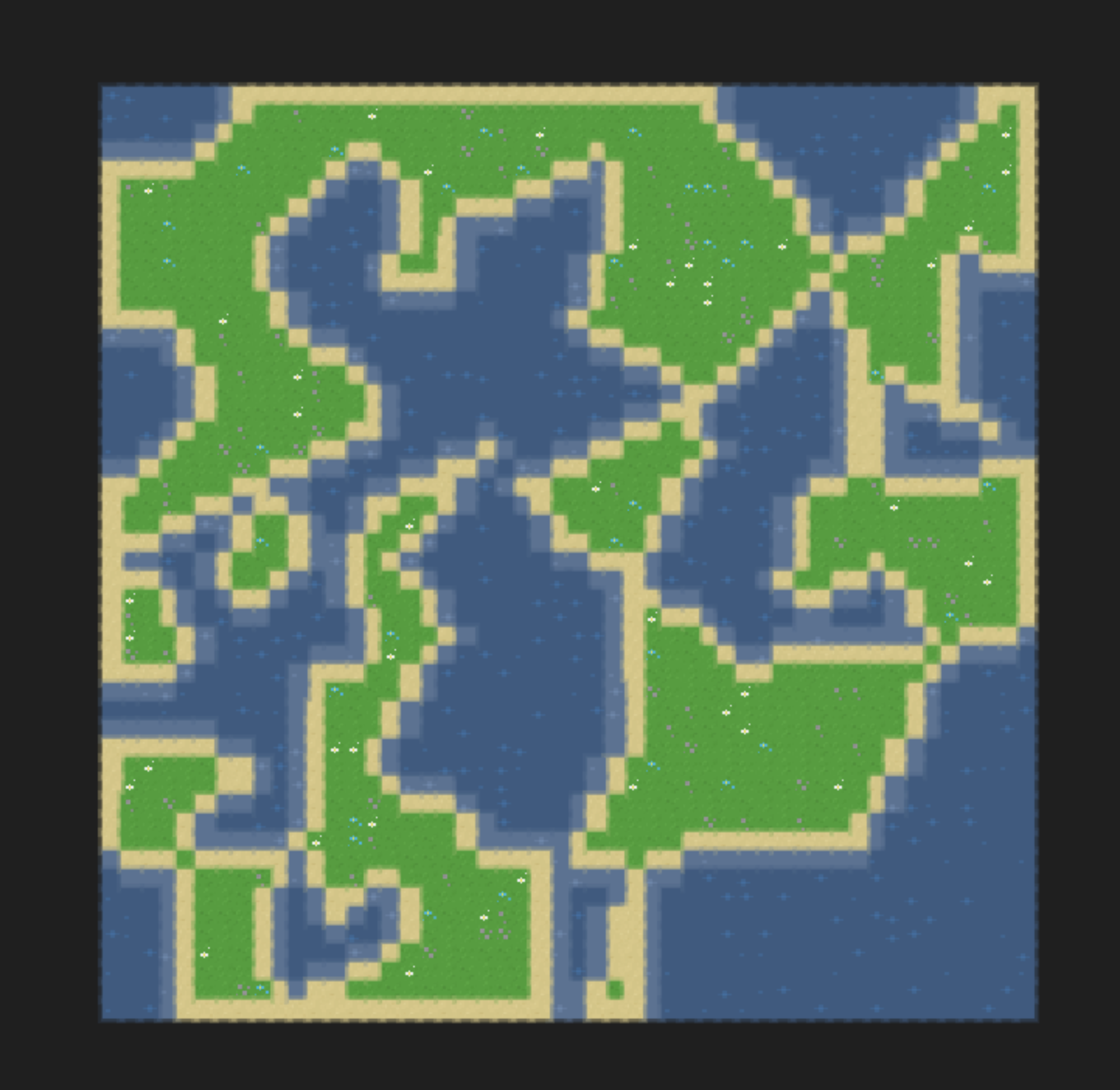 live demo
// Selective border's contract is: border value, which value to apply the border to
// Selective border is a bit deceptive, as it replaces the tile instead of placing a border around the tile...
// So we first apply a border of water, then afterwards a border of sand will be inside the border of water
voronoiPoints := 10
biome1 := atlas.NewBiome(
    atlas.NewVoronoi(voronoiPoints, DEEP_WATER,GRASS)
    atlas.NewSelectiveBorder(WATER, GRASS)
    atlas.NewSelectiveBorder(SAND, GRASS)
)
biomes := []atlas.Biome{biome1}

// Infect
decay := 0
world := NewTemplateWorld(WORLD_SIZE)
world.Infect(biomes, decay)
Biome 2
Next, make bigger chunks of island with less water distance between them. Lets just fill each cell with grass, then border it in water and apply a border of sand to the grass.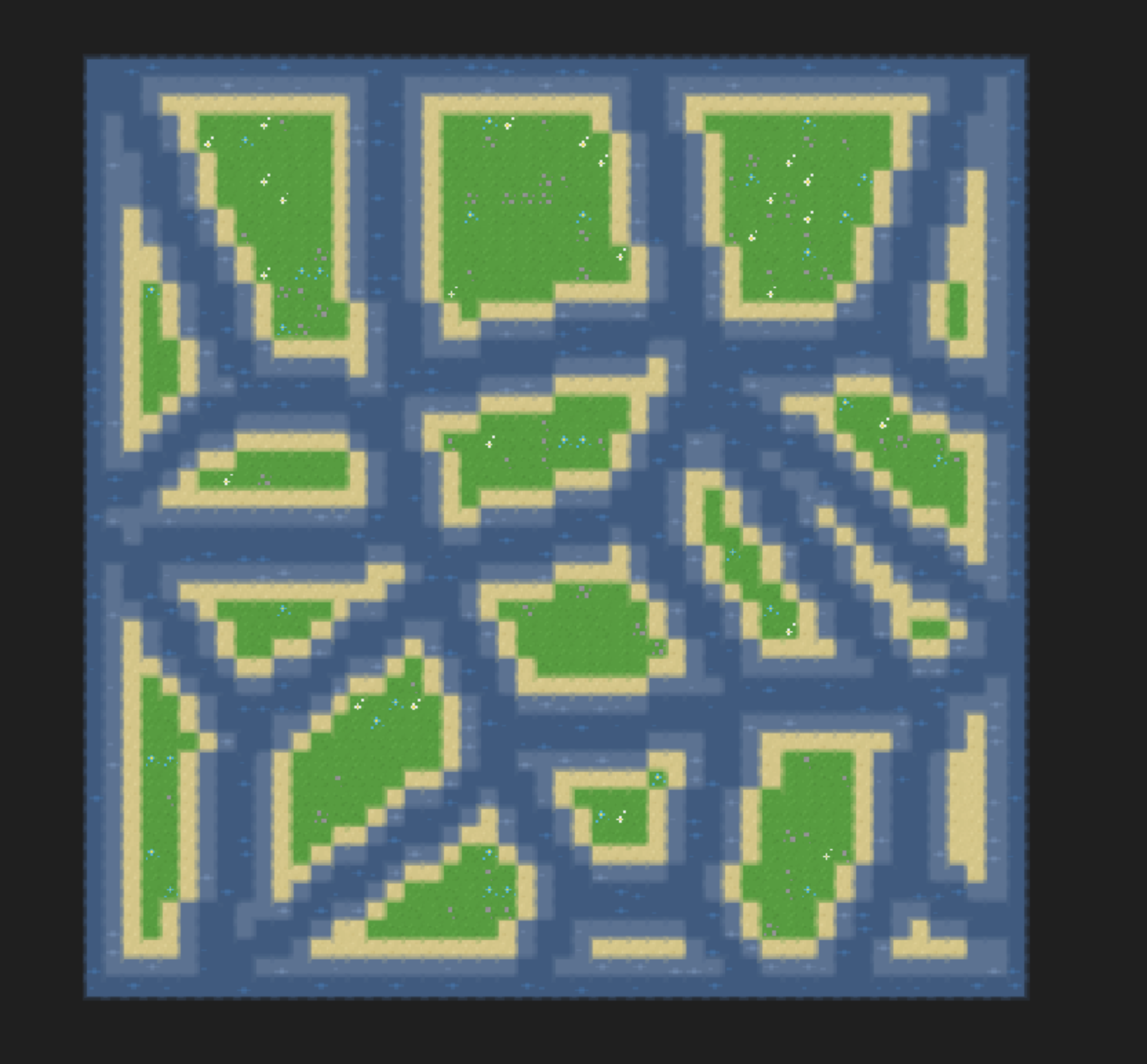 live demo
biome2 := atlas.NewBiome(
    atlas.NewFill(GRASS),
    atlas.NewSelectiveBorder(WATER,GRASS),
    atlas.NewSelectiveBorder(WATER,GRASS),
    atlas.NewSelectiveBorder(SAND,GRASS),
    atlas.NewBorder(DEEPWATER),
)
biomes := []atlas.Biome{biome2}

// Infect
decay := 0
world := NewTemplateWorld(WORLD_SIZE)
world.Infect(biomes, decay)
Biome 3
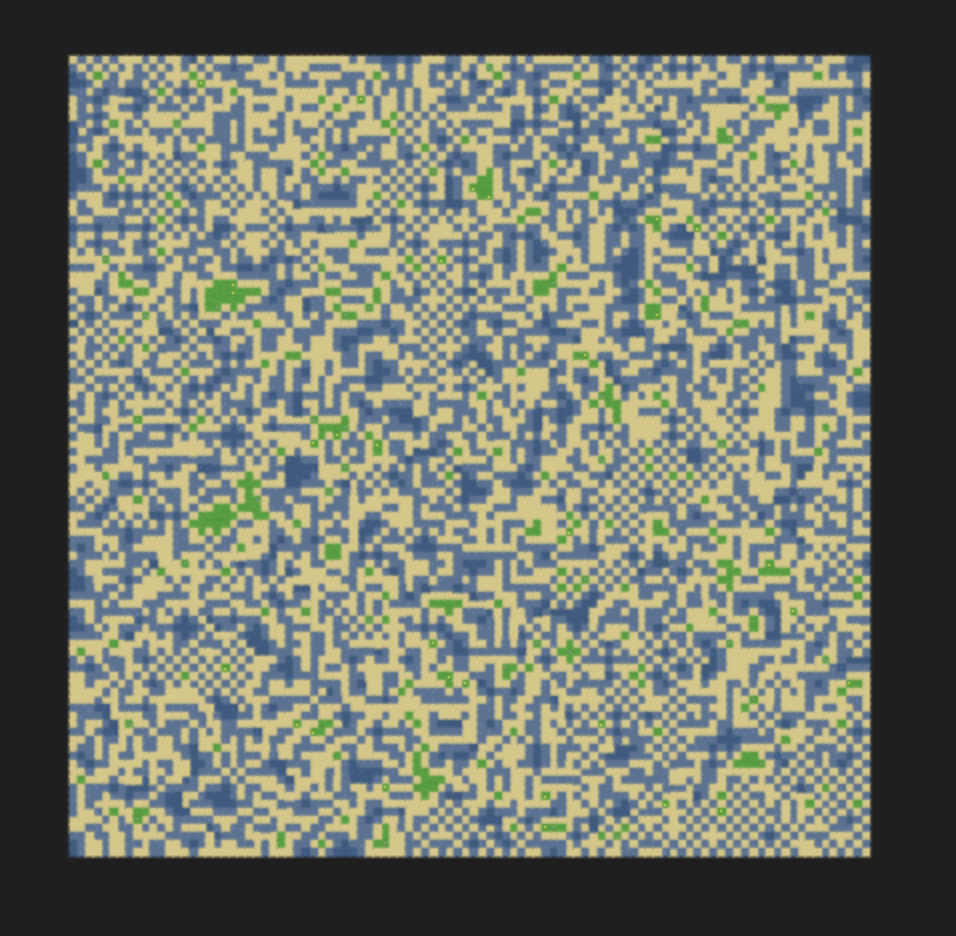
Finally, we can make some more chaotic sandbars using the pattern modifier. We generate a pattern of grass and water, then apply selective borders same as before. We utilize the external selective border this time.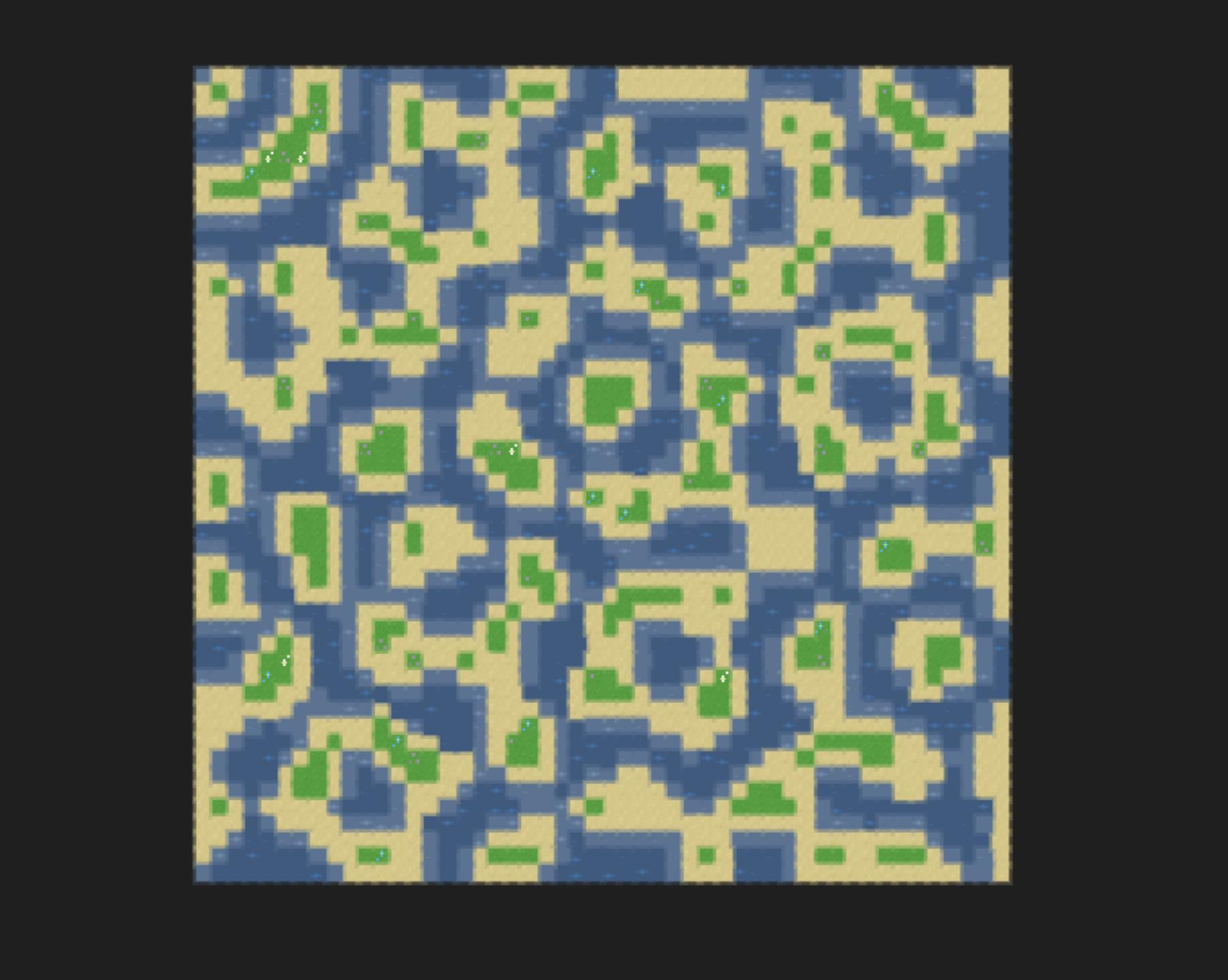 live demo
patternSeed := 7
biome3 := atlas.NewBiome(
    atlas.NewPattern(patternSeed, DEEP_WATER,GRASS)
    atlas.NewSelectiveExternalBorder(WATER, GRASS)
    atlas.NewSelectiveBorder(SAND, GRASS)
)
biomes := []atlas.Biome{biome3}

// Infect
decay := 0
world := NewTemplateWorld(WORLD_SIZE)
world.Infect(biomes, decay)
Combining Biomes
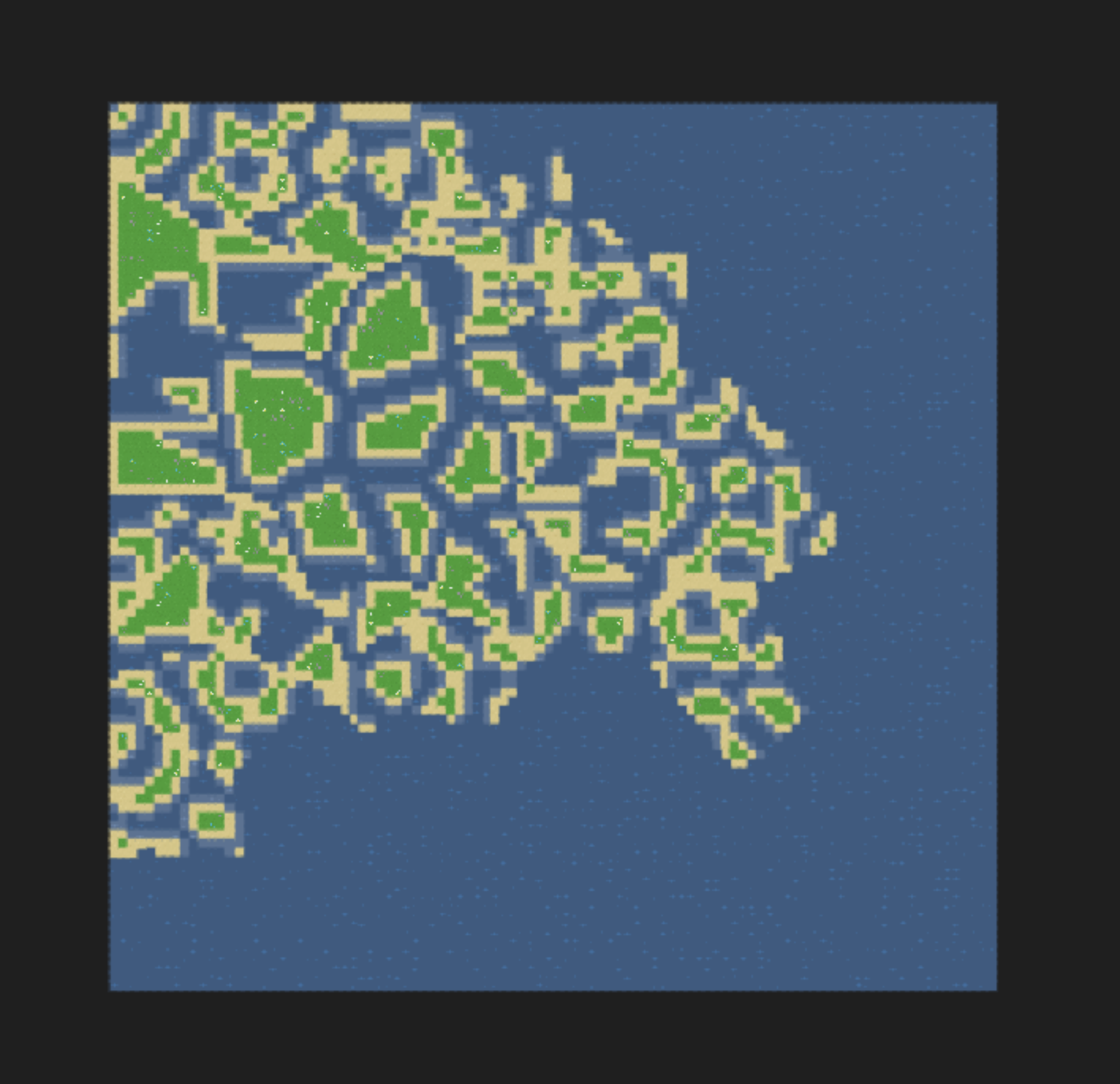 live demo
biomes := []atlas.Biome{
    biome2,
    biome1,
    biome3,
    atlas.NewFill(DEEP_WATER),
}

// Infect
decay := 1
world := NewTemplateWorld(WORLD_SIZE)
world.Infect(biomes, decay)
Other examples
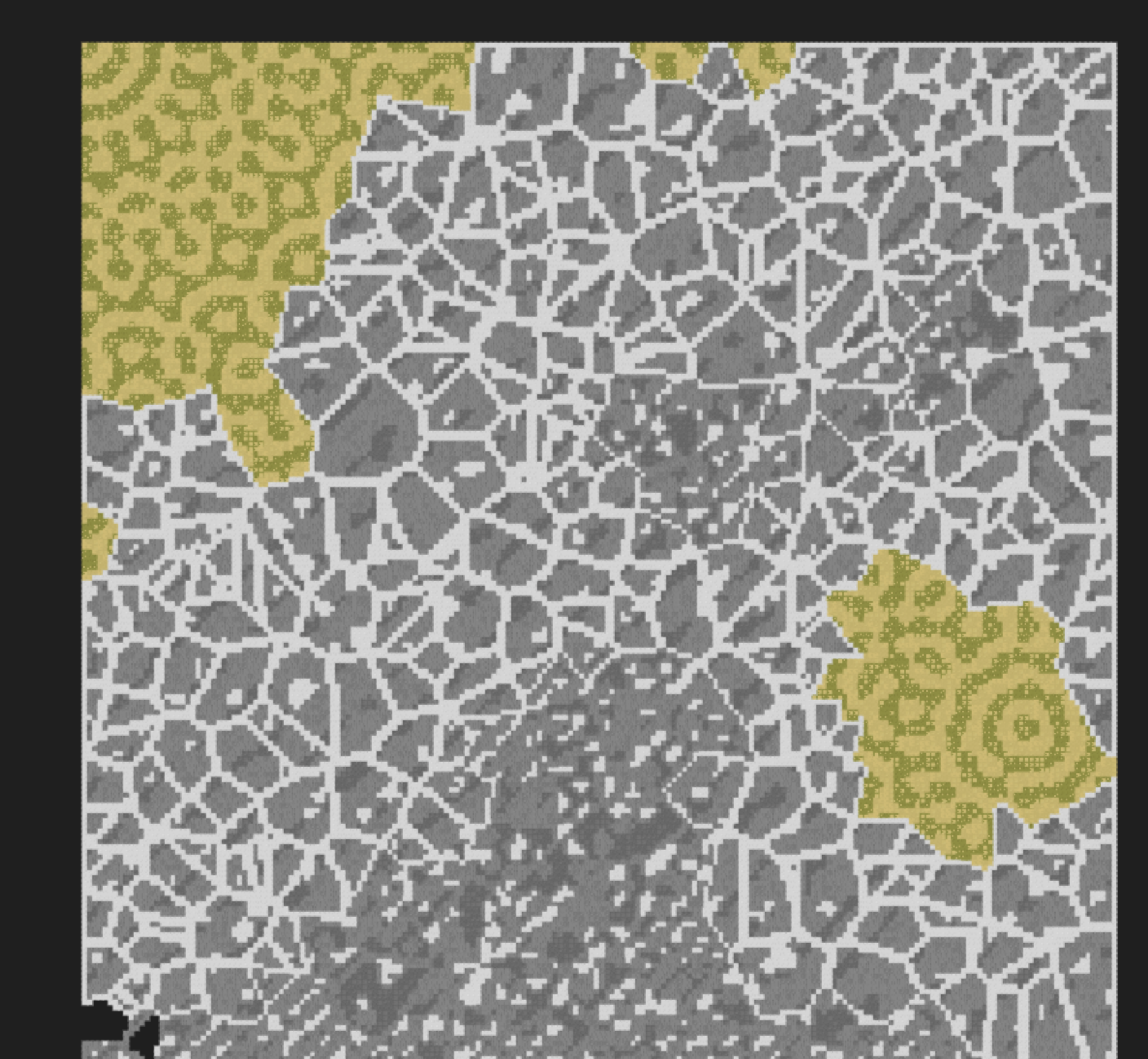
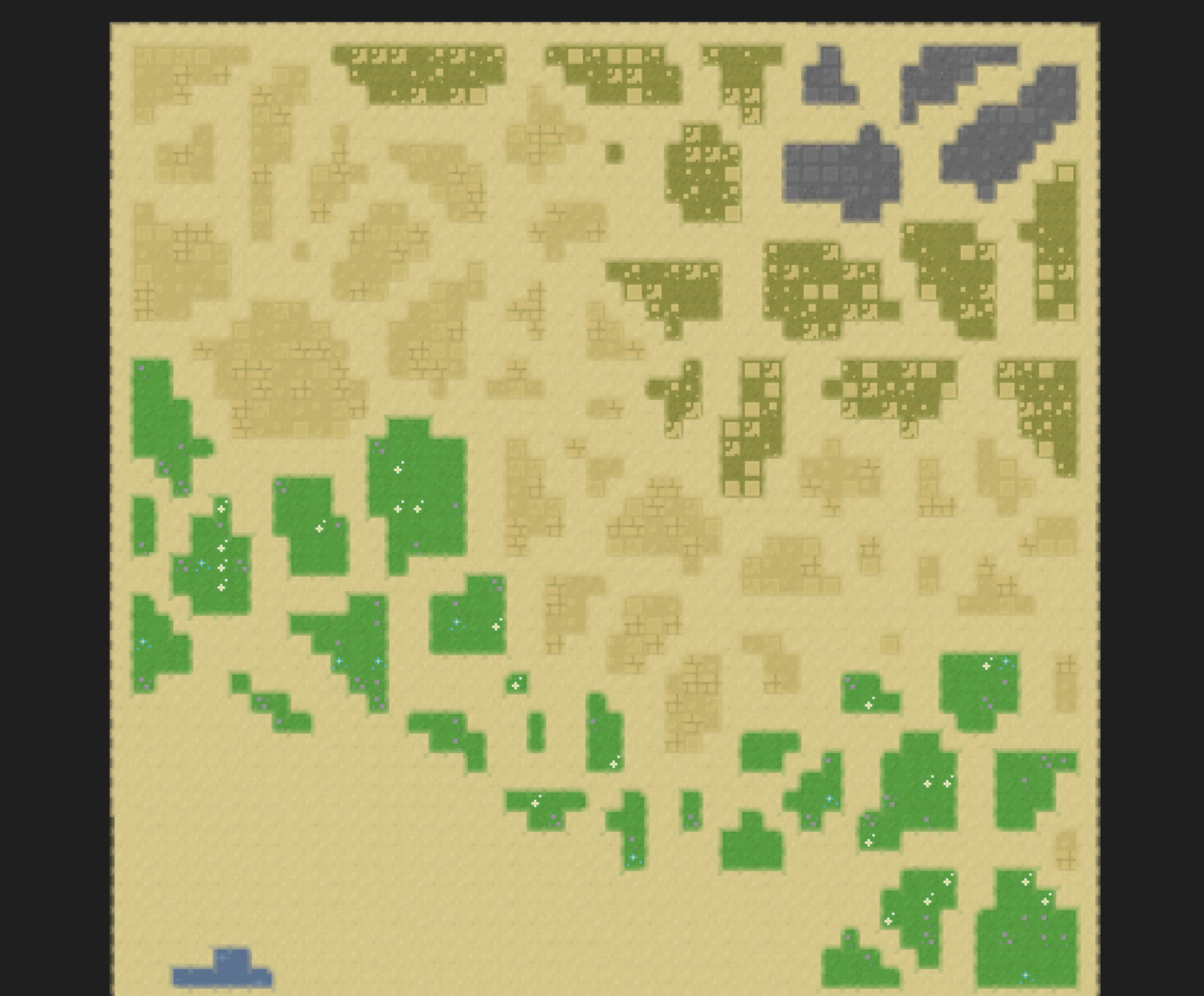
Glaciers live demo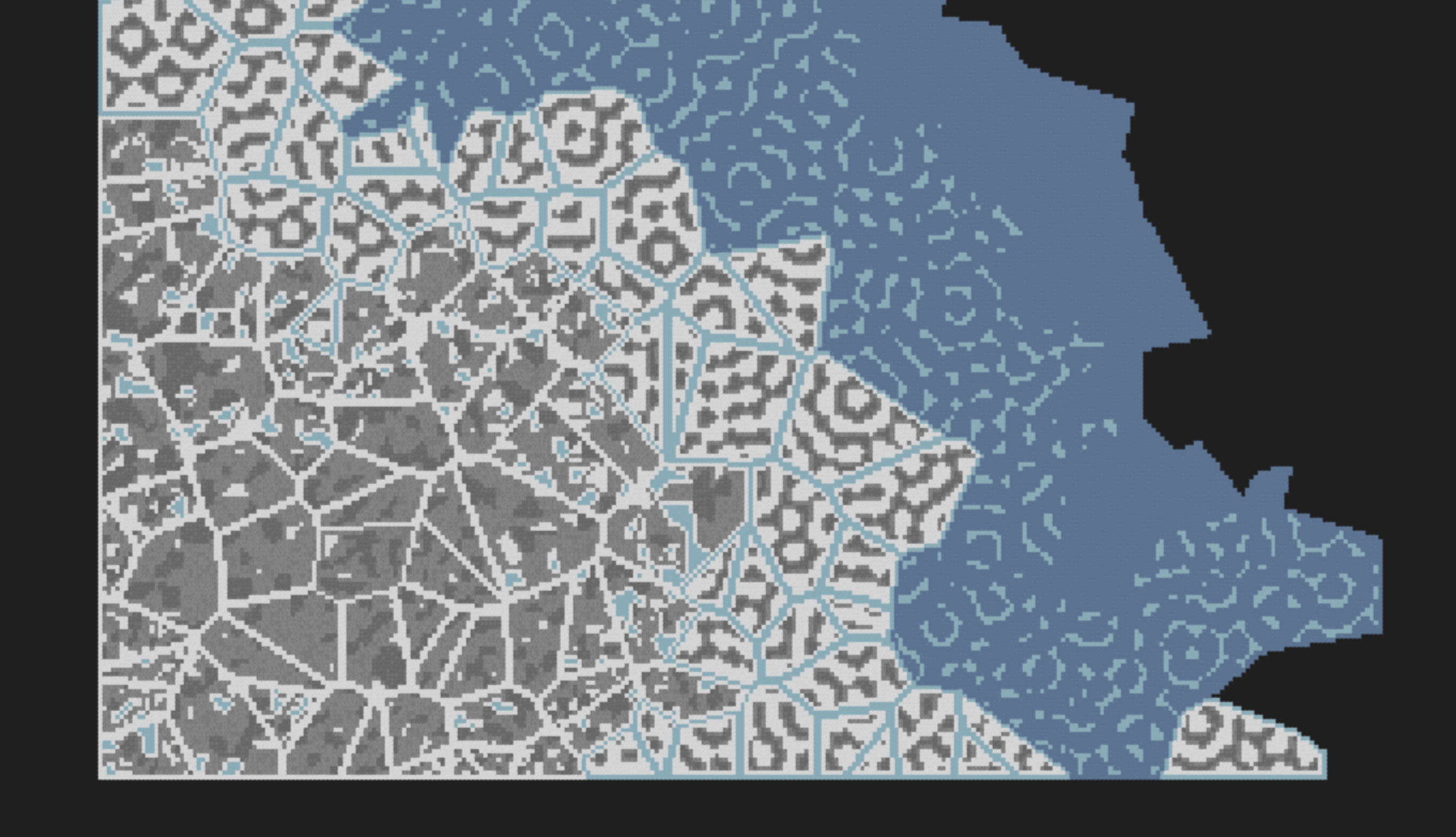 Dunes live demo